How Lifeguard Works
Most changes in health and independence don’t happen suddenly. They emerge quietly, in daily routines — how someone moves, sleeps, bathes, eats, or rests.
Lifeguard helps care teams see those changes earlier by extending awareness beyond scheduled visits, giving a clearer picture of how clients are really doing at home.


A quiet system, working
in the background
Lifeguard is a privacy-first, WiFi-based system that passively recognizes patterns of daily activity in the home.
There are :
- no cameras
- no microphones
- no wearables
- nothing for clients to manage
The system works quietly in the background, supporting care without disrupting daily life.
Simple to install.
Easy to support.
Lifeguard is designed to fit naturally into home care workflows.
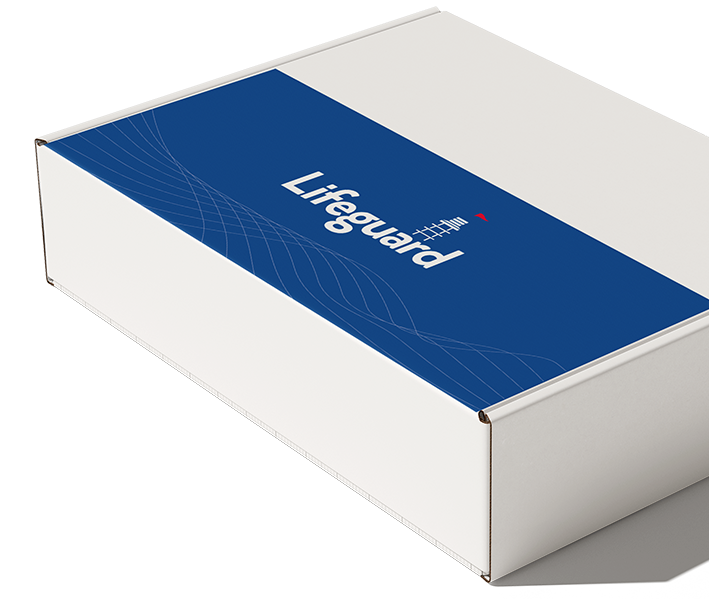
In a home with WiFi, a Care Services Manager (CSM) arrives with a single box containing all components. Devices are simply plugged into standard electrical outlets — no tools, no drilling, and no configuration screens.
A trained CSM can complete installation in about ten minutes.
Once installed, the system requires no ongoing interaction from the client or family. This simplicity is intentional: Lifeguard is easy to deploy because it isn’t watching people, it’s recognizing patterns.
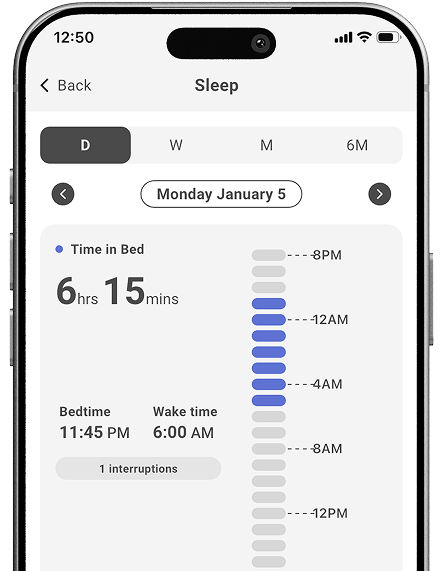
Understanding patterns.
Not watching people
Lifeguard’s sensors don't track individuals. They recognize patterns of living.
By observing room-level activity over time, the system establishes what’s typical for a client and highlights when routines begin to change. This perspective helps care teams distinguish between normal variation and meaningful shifts that deserve attention.
What Lifeguard
notices
Rather than reacting to isolated moments, Lifeguard looks for
trends over time including :
Movement & mobility
Changes in overall activity that may signal
increased fall risk, pain or physical decline.
Bathroom routines
Patterns related to bathroom use and humidity
that can reflect hygiene changes, fear of falling or
emerging health issues.
Kitchen activity
Shifts in kitchen use that often relate to
nutrition, energy, cognitive changes or
difficulty with daily tasks.
Sleep & nighttime activity
Disruptions that may be associated with pain,
medication effects, confusion or underlying illness.
Individually, these signals may be subtle. Together, they tell an important story.
Turning patterns
into insight
Data alone isn’t enough.
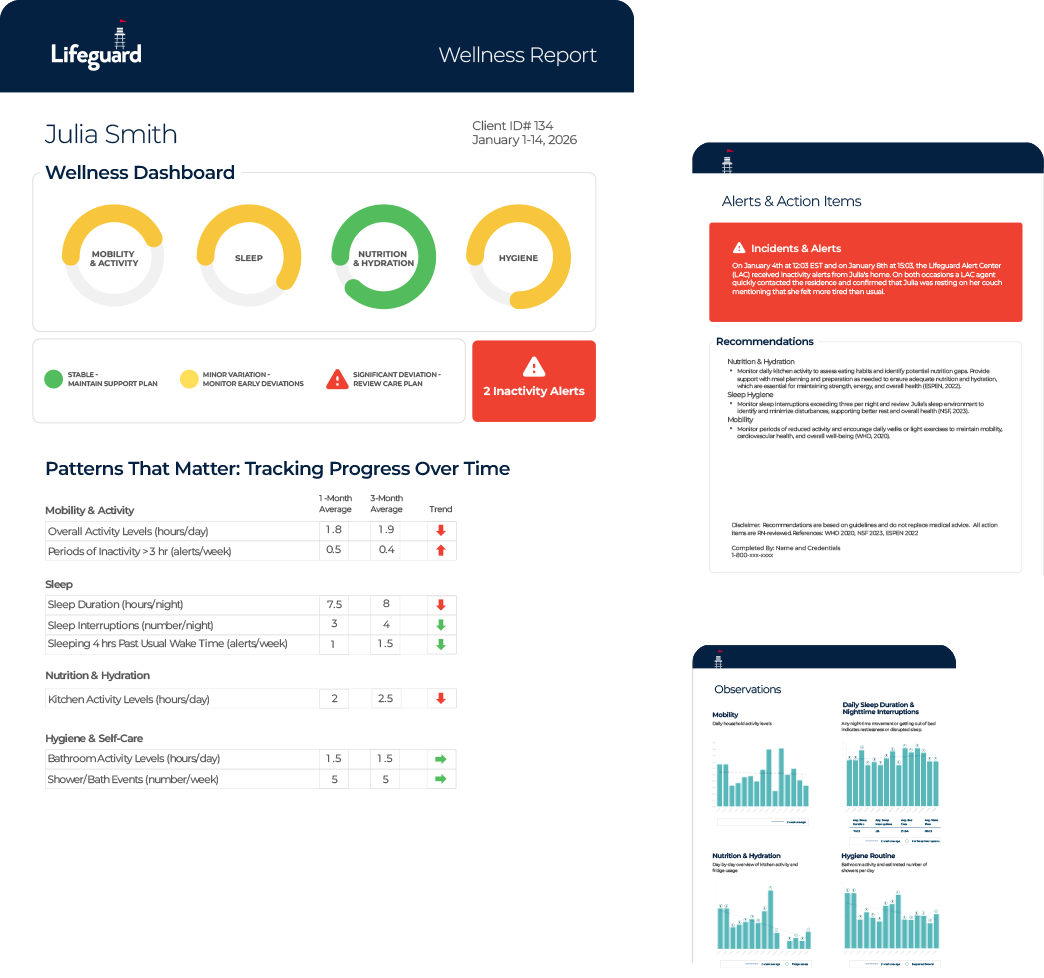
Lifeguard pairs technology with clinical review. A team of nurses continuously reviews activity patterns and provides clear, periodic summaries that highlight what’s changing, what’s stable and what may require follow-up.
The goal is not alerts or alarms, but usable insight, information that supports professional judgment and better care planning.
Designed to support
care teams
Lifeguard doesn’t replace caregivers or clinical expertise. It exists to support the people doing the hardest work in home care.
For care managers and agencies, it provides :
- clearer visibility between visits
- stronger evidence when care needs evolve
- support for difficult family conversations
- validation of caregiver activity
- fewer surprises and last-minute crises


Timon Page
General Manager, TheKey
Respecting independence,
strengthening care
By catching change earlier, Lifeguard helps clients remain safely at home with fewer disruptions. Families gain reassurance grounded in understanding, not constant checking. Care teams gain continuity and confidence.
Built for care managers
and home care agencies